
Prepare documents
and data for your
business systems.
Splitquest helps teams split and organize files, extract information, and prepare documents for delivery. Turn guideline requirements into reviewed, approved rules linked to their sources.

What needs to happen
after the file arrives?
Choose the work your team repeats. See how the documents and information move forward.
Prepare receipt data
and supporting files.
Separate payment records and send data and documents to their destinations.
Explore receivables documents 02 / RECIPIENT DOCUMENTSCreate the document
your recipient needs.
Assemble client-specific supporting records from a consolidated source.
Explore document operations 03 / SENSITIVE INFORMATIONChoose what stays
in the outgoing file.
Prepare recipient copies with selected sensitive information removed.
Explore content handling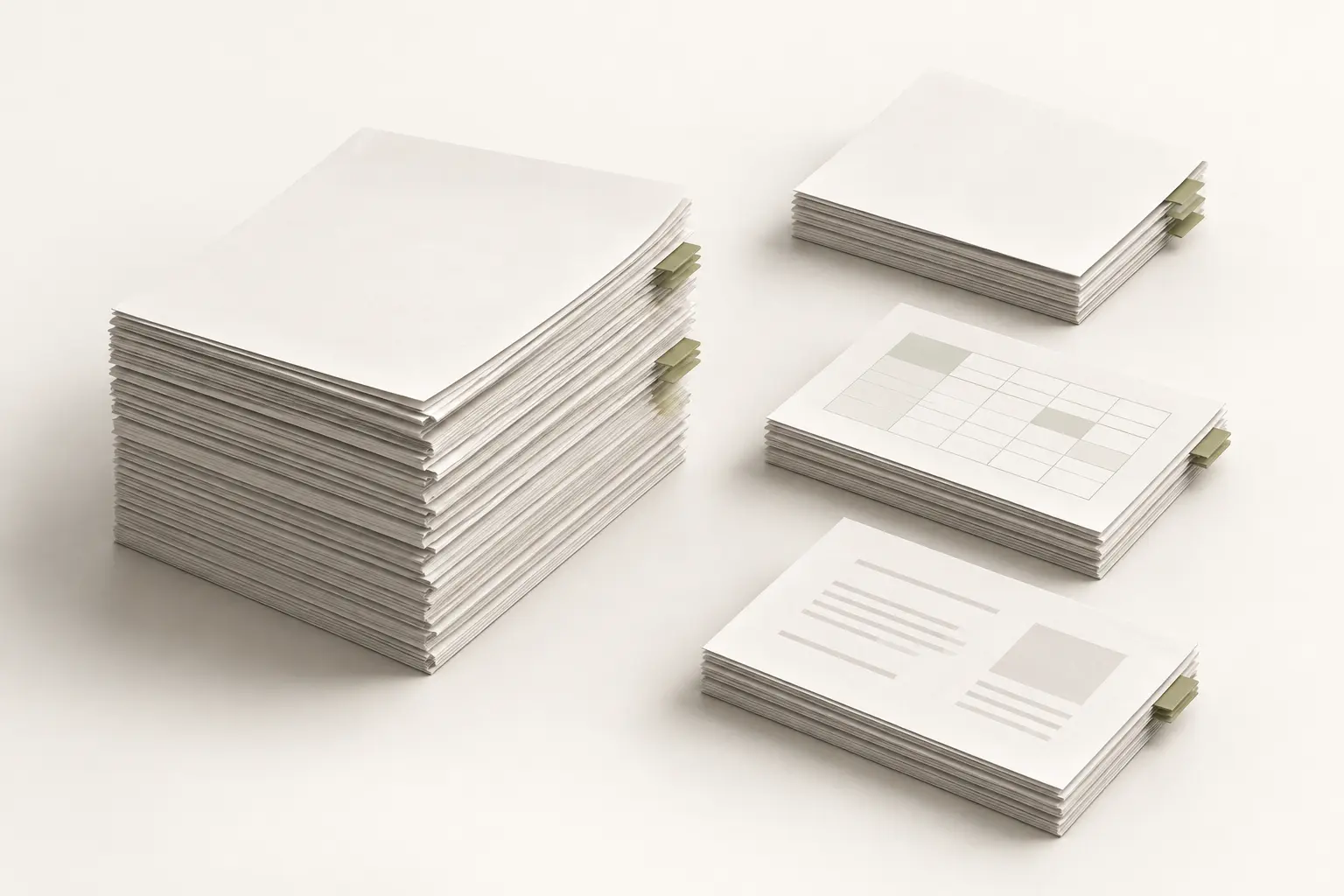
Documents and requirements.
Prepared for use.
Document Operations
Prepare files, capture fields and tables, reconstruct supporting documents, and deliver files and structured data. Save individual operations or complete workflows as reusable presets.
Explore the capabilitiesTerms and Rules Management
Turn guideline requirements into rules your team can review, test, and approve. Keep source references and distribute active rules to connected systems.
Explore terms and rulesMake the next step
easier to handle.
Illustrative examples show how documents become useful outputs.
One file in.
Organized records out.
Split payment documents, extract receipt information, and rename supporting files. Send data through Crossroad for the supported Aderant workflow while documents go to the designated repository.
See the receipt workflowClient-specific expense support
Selected entries from a consolidated source
Illustrative supporting document · not a supplier invoice
Give each recipient
the relevant records.
Prepare client-specific expense support while retaining the consolidated source for your finance team.
Explore document preparationRecipient copy
Illustration only · no document is being processed
Prepare the copy
your recipient needs.
Prepare documents for the information each audience should receive. Reuse any configured operation or complete workflow through presets, including document preparation, redaction, and delivery.
Explore sensitive content handlingConfigure directly.
Or describe the task.
Use the application controls or conversational AI to help configure and run supported operations. Configurable rules provide the foundation for recurring processing.
Save any configured operation or complete workflow as a reusable preset, then schedule recurring runs.
Explore AI and integrationsWork with the systems
you already use.
Send files and data together, route them separately, or deliver copies to several destinations.
Supported destinations include SFTP, FTPS, OneDrive, SharePoint, and Google Drive. Other compatible applications can connect through available integration capabilities.
Explore the connectionsChoose where
Splitquest runs.
Launch with self-hosted deployment in your environment. Cloud hosting is planned. Review access, data handling, and integration requirements with your team.
Review deployment and FAQsBefore you
get started.
File types, recurring workflows, and how the results reach your systems.
Read all FAQsWhat types of files can I upload?
Splitquest supports text-based and scanned PDFs, Word documents in DOCX format, and PNG, JPEG, and TIFF images. Examples include invoices, payment documents, remittance advice, and guideline documents. Available processing options depend on the file format and the workflow you configure.
Can we use Splitquest without AI for core document work?
Yes. Core document operations can be configured through processing rules. AI provides additional assistance for document questions, workflow setup, and other supported tasks.
Can we send documents and data to different places?
Yes. Configure separate destinations, send both outputs together, or distribute copies to multiple destinations within the workflow.
Can recurring work run on a schedule?
Yes. Save reusable configurations and use built-in scheduling for recurring workflows.
Which systems can receive approved rules?
Splitquest supports rule creation, testing, approval, and distribution. Approved rules can be sent to connected time-entry, billing, accounting, or other compatible systems for enforcement. Aprotime is one directly integrated application. Other systems can receive rules through an integration configured for their requirements.
What can I save as a preset?
Save any operation or complete workflow you configure in Splitquest as a reusable preset. This includes splitting methods, extraction fields, naming rules, document preparation, redaction, and delivery settings. Apply the saved setup when similar work comes in.
Show us the document work
your team repeats.
Tell us what arrives, what you need, and where the results should go.